> For the complete documentation index, see [llms.txt](https://docs.rapidbott.com/help-center/llms.txt). Markdown versions of documentation pages are available by appending `.md` to page URLs; this page is available as [Markdown](https://docs.rapidbott.com/help-center/rapidbott-crm/managing-contacts-companies-and-activities.md).
# Managing Contacts, Companies, and Activities
Customer data becomes much more useful when it is clean and connected.
#### Contacts
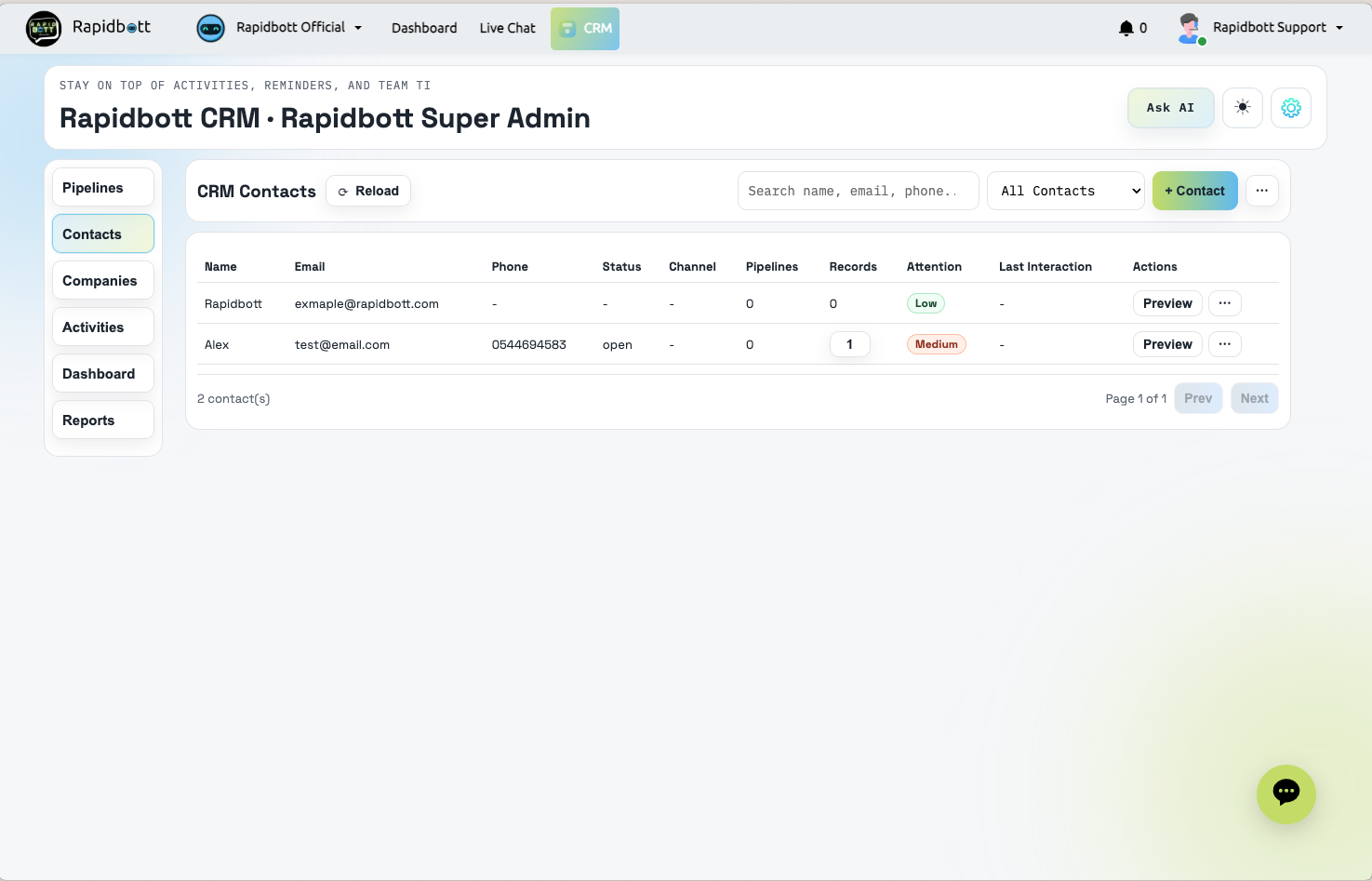
The Contacts area is where you manage the people connected to your business.
You can usually:
* view all contacts
* search contacts
* filter contacts
* add contacts manually
* import contacts from CSV
* refresh synced contact data
* export contacts
* update contact details
Typical contact details include:
* full name
* email
* phone
* company
* tags
* communication identity
#### Importing contacts
If you already have customer data in a spreadsheet, use CSV import to bring contacts into the CRM faster.
Best practice before importing:
* clean duplicate rows
* standardize phone numbers and emails
* confirm column names
* test with a smaller sample if needed
#### Companies
The Companies area helps you organize customer accounts at the business level.
Use companies when:
* you work with B2B customers
* multiple contacts belong to one business
* account ownership matters
* you want a clearer view of organization-level relationships
Company records can help your team understand:
* which contacts belong to the same business
* what work is happening for that account
* who owns the account internally
#### Activities
The Activities area helps users monitor operational work across the CRM. Depending on the setup, it may include views for:
* tasks
* due items
* reminders
* workflow history
* pipeline logs
Use Activities when you want to understand what has happened recently or what needs follow-up next.